Disabling and Deleting the VPN
Warning
This action is permanent and cannot be undone. Remove your VPN only when you are sure.
Disabling the VPN
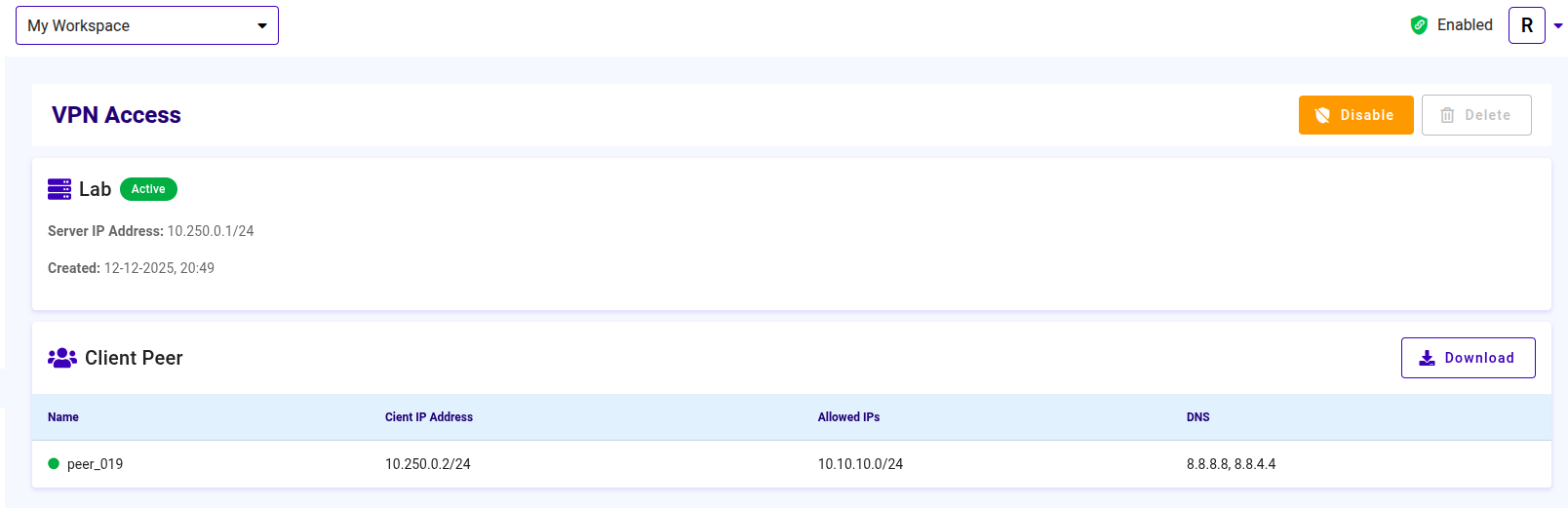
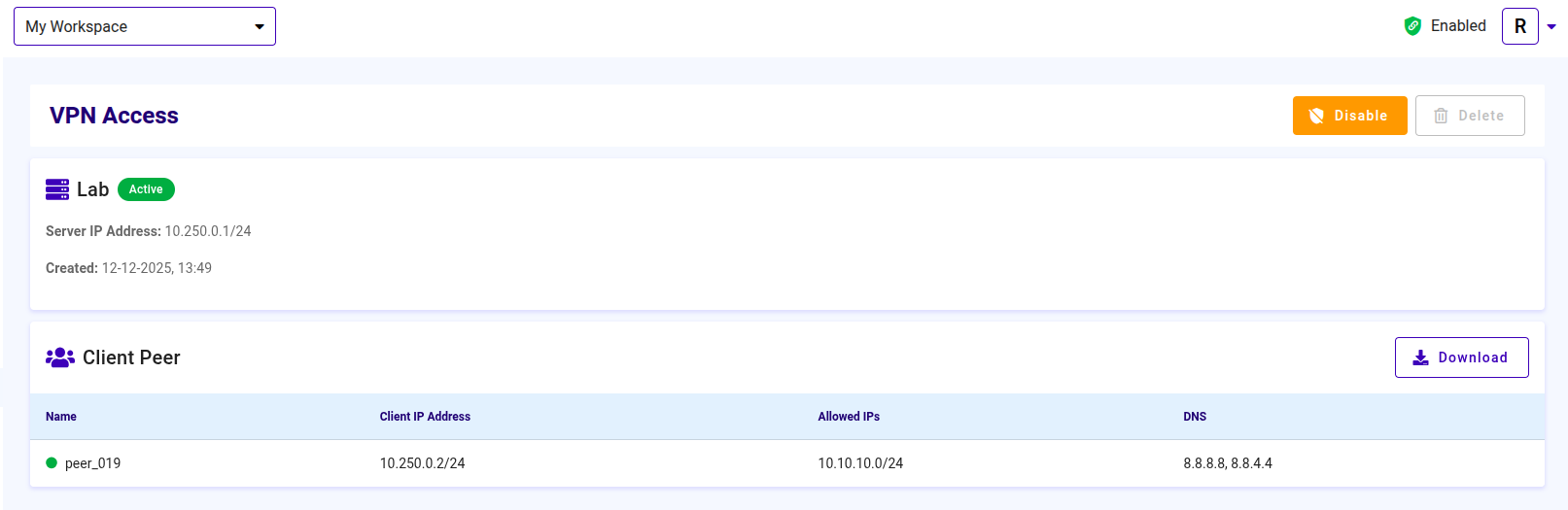
To disable VPN access, follow the steps below:
- Click the Disable button to deactivate the VPN
Deleting the VPN
If you want to delete the VPN access:
- Click the Delete button. A confirmation dialog will be displayed
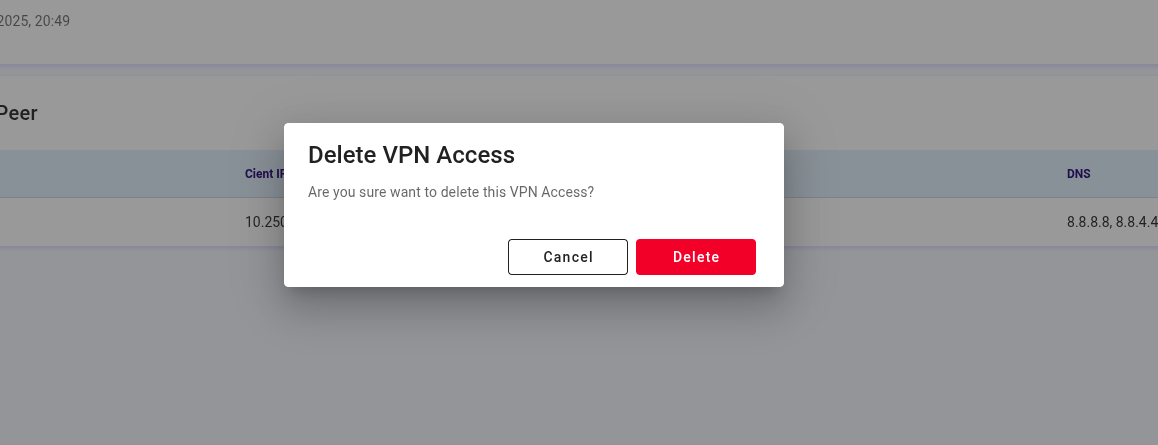
- Click Delete to remove the VPN access, or click Cancel to abort the process