Telegram
Telegram Integration
To integrate with Telegram, users can follow the steps below
Click the Generate API key button
Click Copy on the Telegram API Key

Click the Telegram Bot button and you will be directed to Telegram Helium Robot
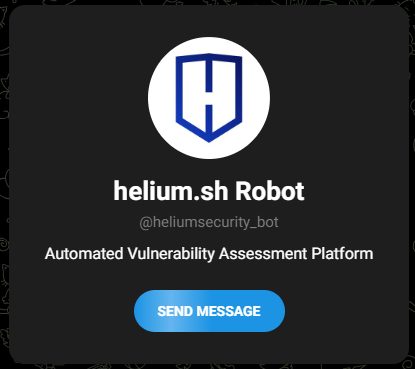
Click the Send Message button and it will go to the chat bot

Click START then type
/api <APIKEY>
Type
/helpto see the available commands
Type
/toolsto see the available tools
Type
/workspacesto see the available workspaces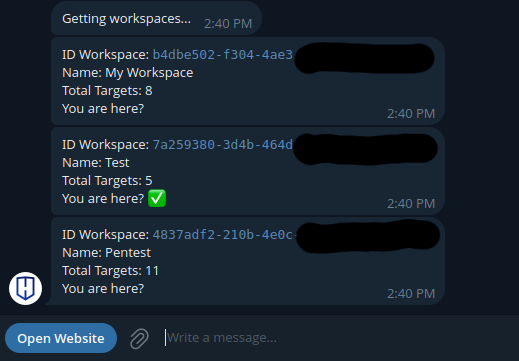 note
noteThe checkmark indicates the currently active workspace.
Type
/setworkspace <workspace_id>to set the workspace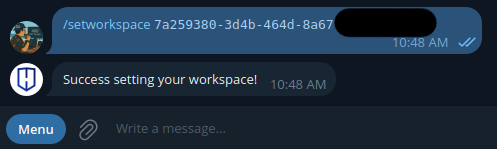
Type
/getworkspaceto see the current workspace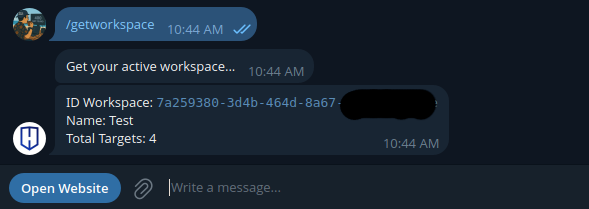
Type
/newscan <target> <target_type> <tool_name> <project_name>to start a new scan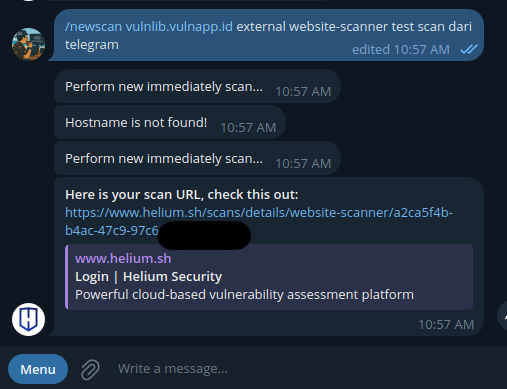 note
noteTo verify that the scan is in progress, please access the Helium web and review the designated workspace configured at the time the scan was started
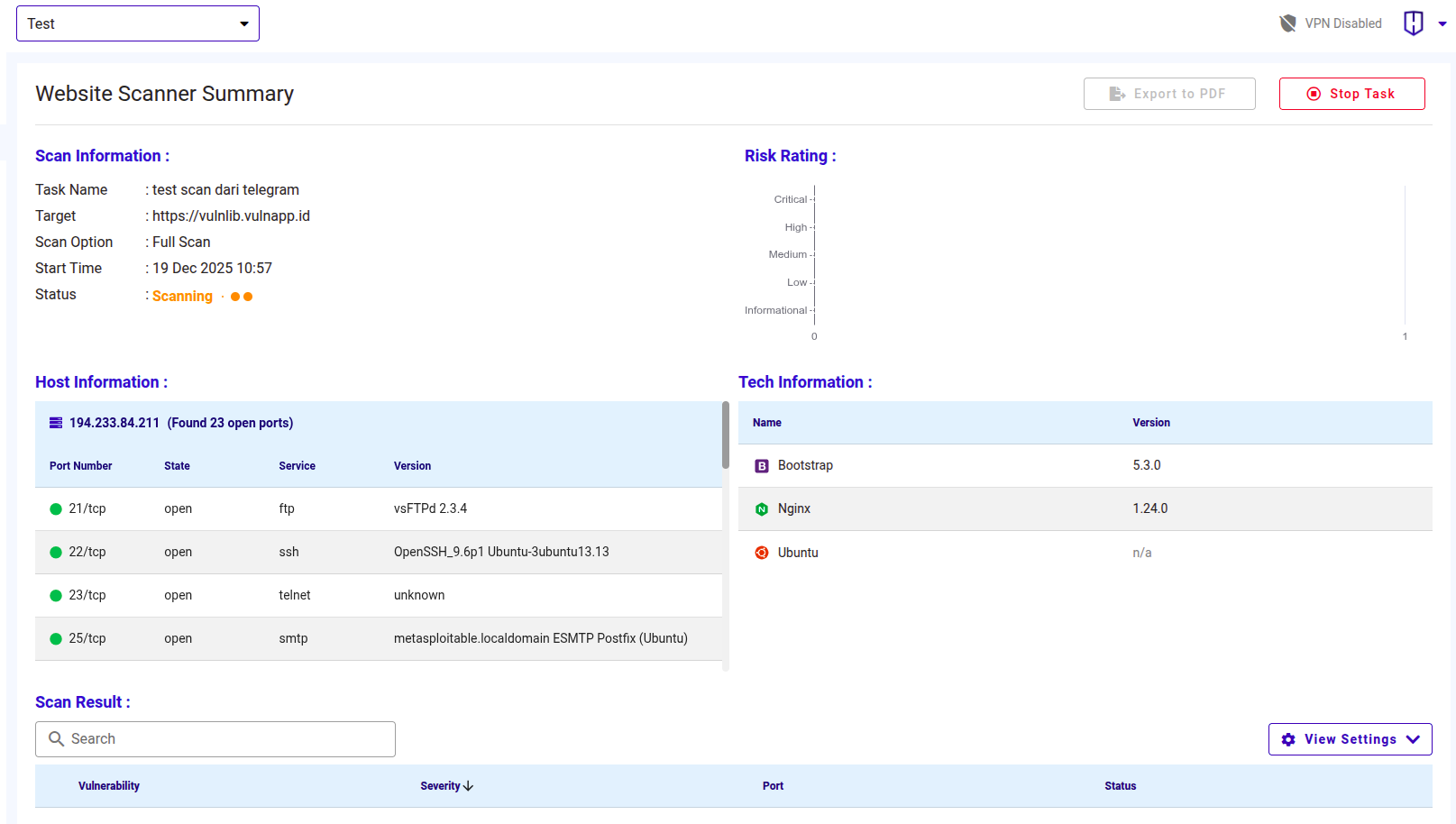
Once the scanning process is complete, you will receive a notification on Telegram
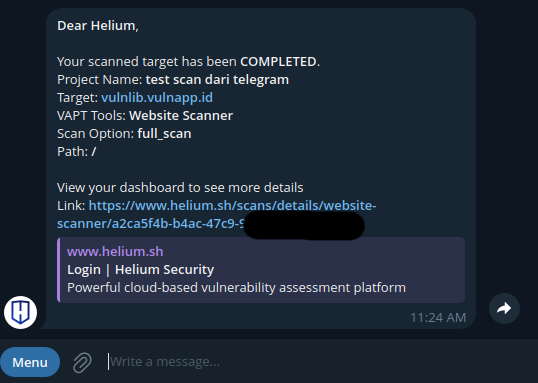
After the integration is complete, you will receive a notification each time a scan finishes
